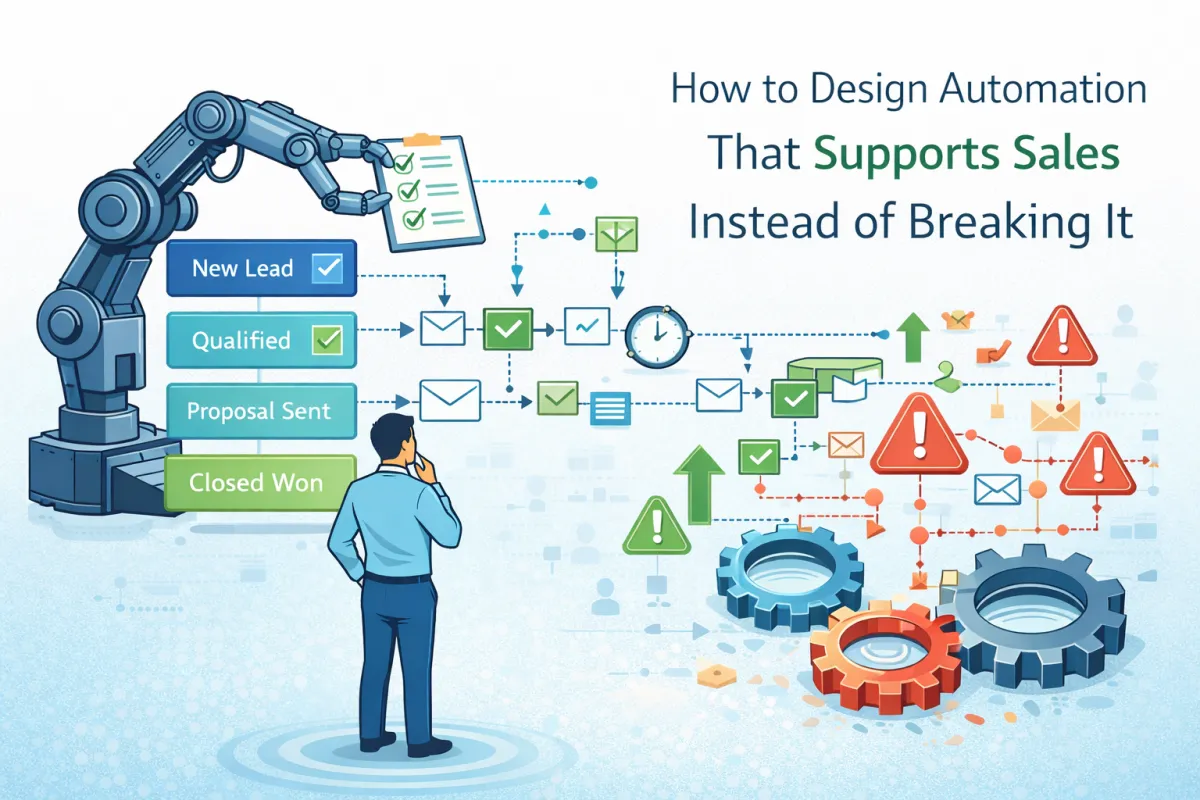
How to Design Automation That Supports Sales Instead of Breaking It
Automation Is a Force Multiplier, Not a Fix
Automation doesn’t correct weak sales processes.
It amplifies whatever already exists.
When designed correctly, automation:
Reduces response time
Enforces consistency
Removes manual friction
When designed poorly, it:
Confuses sales teams
Creates duplicate actions
Erodes trust in the system
This blog explains how to design automation that supports sales behavior instead of working against it.
Start With Human Actions, Not Triggers
The most common automation mistake is starting with triggers instead of behavior.
Wrong starting point:
“When a tag is added, do X”
“When a form is submitted, do Y”
Correct starting point:
What should the salesperson do next?
What happens if they don’t?
What outcome needs enforcement?
Automation should exist to support human responsibility, not replace it.
Automate the Gaps, Not the Core Decisions
Sales decisions require judgment. Automation should never override that.
What automation should handle:
Task creation
Follow-up reminders
Lead routing
Status checks
What automation should not handle:
Qualification decisions
Deal progression without confirmation
Exceptions without review
In automation-capable CRMs like GoHighLevel, it’s tempting to automate everything because you can. Restraint is the real skill.
Use Automation to Enforce Response Time
Speed matters more than clever messaging.
Well-designed automation:
Alerts owners when leads arrive
Escalates inactivity
Reassigns stalled records if needed
This removes the need for managers to chase updates manually and creates accountability without micromanagement.
Separate Communication From Control
Another common failure pattern is automation that both communicates and controls.
Example of bad design:
Automation sends a message
Moves the deal stage
Updates tags
Closes tasks
Good design separates concerns:
Communication workflows handle messaging
Control workflows handle enforcement
Reporting workflows track outcomes
This separation keeps systems predictable and debuggable.
Design Automation for Failure Scenarios
Real sales environments include:
Missed calls
No-shows
Unresponsive leads
Reopened conversations
Automation must account for these scenarios explicitly instead of assuming perfect behavior.
Strong systems include:
No-response loops
Timeout-based checks
Clear exit conditions
Ignoring failure paths guarantees manual cleanup later.
Avoid “Invisible” Automation
If sales teams don’t understand what automation is doing, trust erodes.
Best practices include:
Visible task creation
Clear notifications
Minimal background changes
Automation should feel like assistance, not interference.
Why Acquire One Designs Automation Conservatively
Acquire One treats automation as operational support, not magic.
We design workflows to:
Reinforce process
Protect data accuracy
Reduce friction without removing control
Automation succeeds when people still feel responsible for outcomes.
Final Thought
Good automation feels boring.
Bad automation feels impressive until it breaks.
Support sales first. Everything else follows.
